An indoor dog camera can answer a useful question: what happens in a particular room when you are elsewhere? Before buying one, compare the view, recording options, connection requirements, privacy controls, and ongoing costs. The right choice depends on what you need to observe and who can respond—not on the longest feature list.
A camera can show a resting dog, document activity after you leave, or help confirm a caregiver’s visit. It cannot provide a bathroom break, remove a hazard, or diagnose separation anxiety. This guide offers a purchasing framework, not a hands-on product review. No camera brands were tested or ranked, and there are no affiliate links.
Updated October 12, 2026.
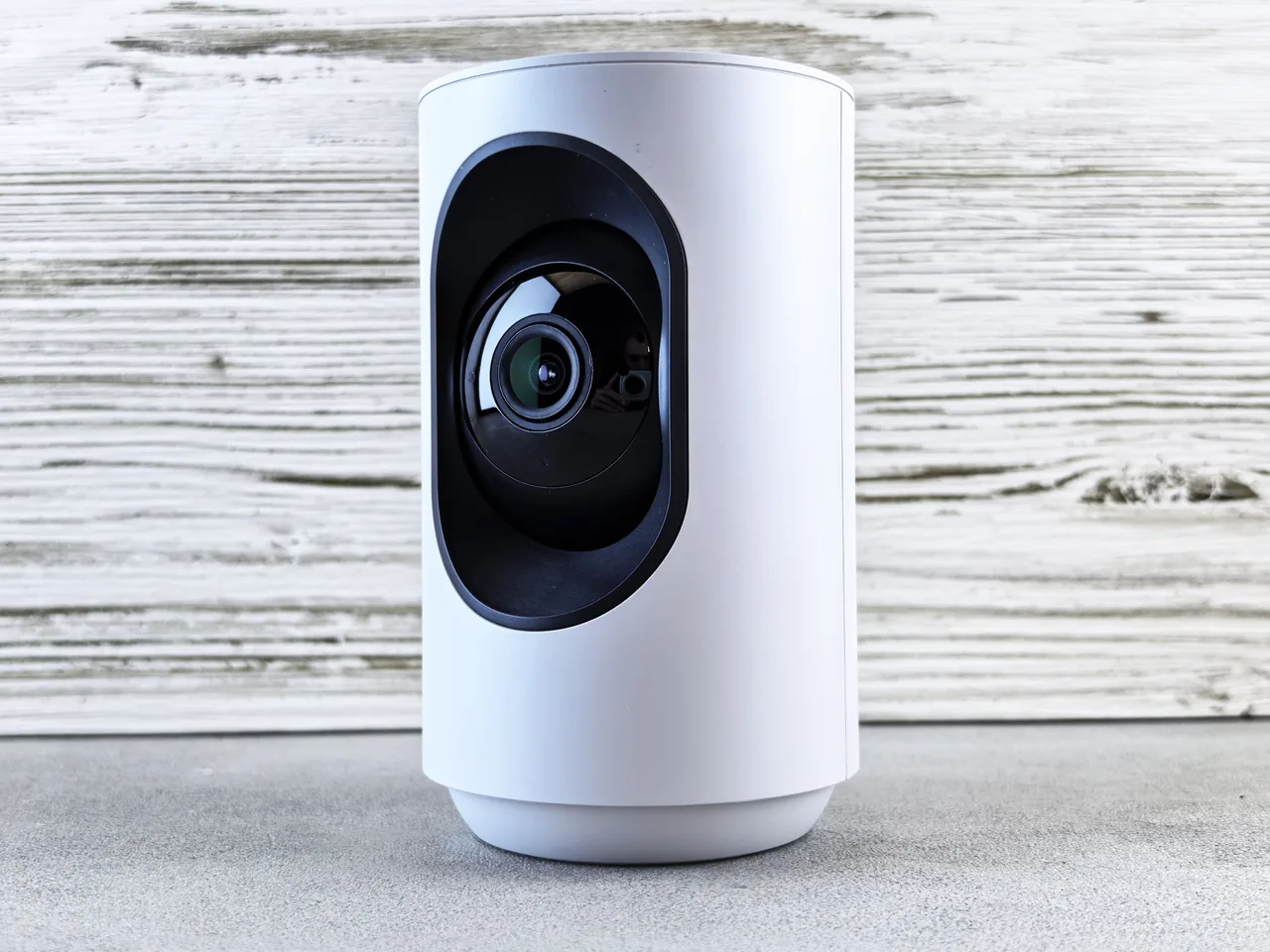
Start with the question you need answered
Write down one observation goal before comparing devices. “I want to see whether my dog settles on their bed after lunch” requires a clear view of that bed. “I want to review the first hour after departure” requires saved footage, rather than occasional live checks.
Next, identify the person who can act on what you see. A trusted caregiver needs permission to enter, clear instructions, and realistic availability. Without that response plan, an alert may create worry without improving care. Our guide to planning time alone covers the care arrangements around the device.
An existing indoor security camera may already meet your goal. A camera marketed for pets might add animal detection, barking alerts, a treat dispenser, or a moving lens. Those extras vary by model; the word “pet” does not establish better image quality, security, or suitability for your dog.
Compare the indoor dog camera features you will actually use
Use this table to turn specifications into questions about your room and routine. It is a decision aid, not a performance scorecard.
| Feature | Practical use | Check before buying |
|---|---|---|
| Resolution | Seeing posture and activity from the planned distance | Actual video dimensions, sample footage, and recording quality |
| Night vision | Observing a room after lights go off | Infrared or color mode, usable range, and nearby reflections |
| Field of view | Covering a bed, doorway, or open living area | Horizontal versus diagonal angle and furniture blind spots |
| Two-way audio | Optional communication through the app | Speaker volume, delay, and your dog’s response |
| Motion or sound alerts | Noticing selected activity without watching constantly | Detection zones, sensitivity, notification settings, and paid requirements |
| Saved recordings | Reviewing what happened between live checks | Continuous versus event recording, retention, and export options |
| Account controls | Limiting access to private household footage | Encryption, multifactor authentication, separate users, and deletion |
Image quality and viewing angle
Resolution describes the number of pixels in a frame. A higher number alone does not guarantee a useful view. Lighting, camera distance, compression, lens coverage, and the stream selected in the app also matter. Ask whether sample footage shows conditions comparable to your intended room.
For a small sleeping area, prioritize a clear view of the whole dog over extra coverage of empty floor. For an open-plan room, a wider field of view may help. Compare angles consistently: a diagonal measurement is not interchangeable with a horizontal measurement.
A pan-and-tilt camera can change direction, but it does not see every direction simultaneously. Likewise, a tracking feature cannot guarantee that a dog remains visible behind furniture. The Axis lens guide explains why viewing angle, lighting, and image detail belong in the same planning decision.
Night vision in your actual room
Infrared illumination commonly produces a black-and-white night image. Color night modes depend on the device and available or added light. Compare the documented mode and distance rather than assuming “night vision” means equally clear footage in every dark room.
Place the lens away from reflective glass and nearby glossy surfaces. Infrared reflections can obscure the scene, as described in Axis’s explanation of IR reflections. After setup, check the room with its normal evening lighting. A daytime preview cannot establish nighttime visibility.
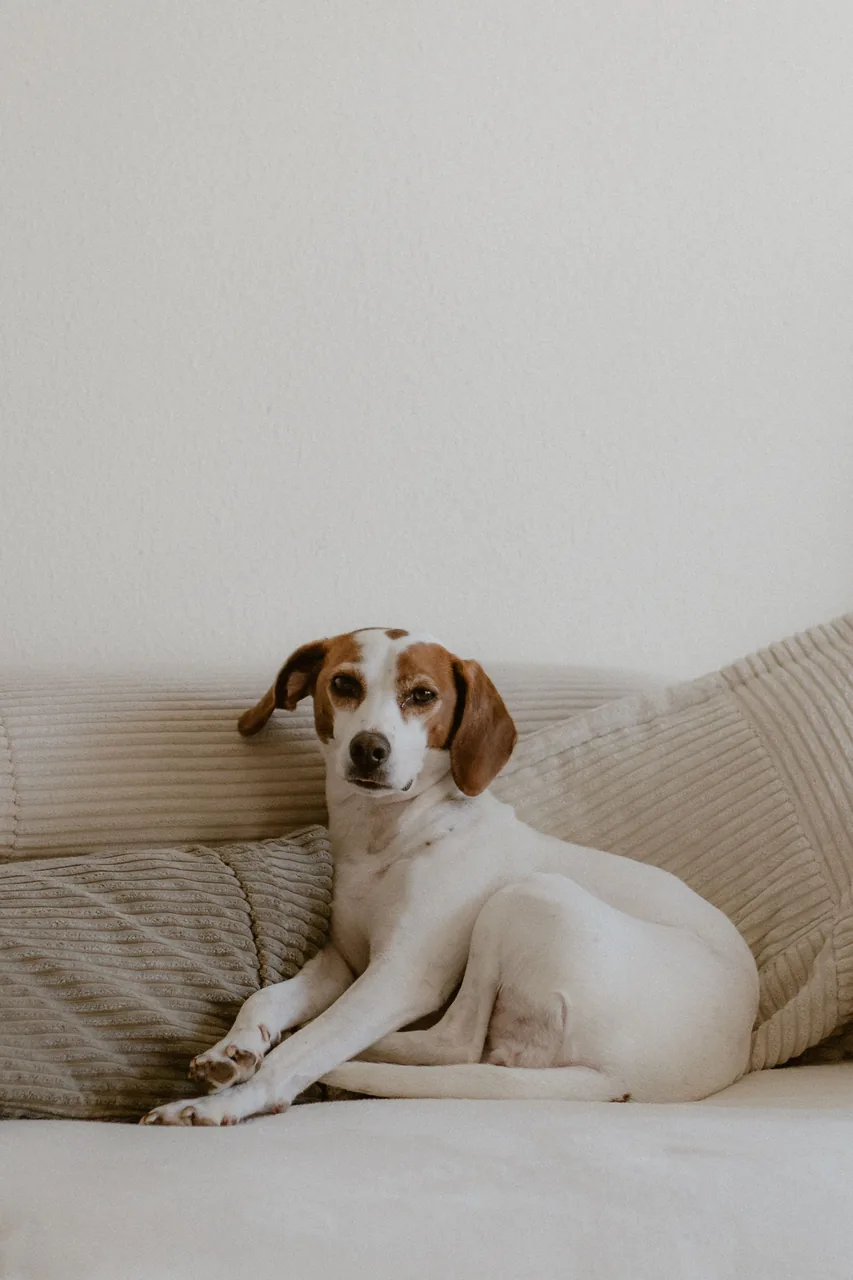
Audio, alerts, and your dog’s response
Two-way audio combines a microphone and speaker so you can listen and speak through the app. It is optional. Introduce it while you are home, at a comfortable volume, and watch whether your dog relaxes, searches for you, or becomes concerned. Silence may be the better choice for an individual dog.
Motion notifications identify detected activity; they do not explain its meaning. A bark alert might reflect a delivery, play, or distress. Ask whether the app allows activity zones, sensitivity changes, schedules, and separate sound alerts. Also check whether pet-specific detection requires a subscription.
Start with a manageable alert schedule. Constant notifications can make important events harder to notice. Review sample clips before interpreting patterns, and remember that missed detections or connection interruptions can leave gaps. A quiet notification history is not proof that nothing happened.
Check indoor dog camera connectivity and recording
Confirm the exact model’s supported Wi-Fi bands. Some cameras require 2.4 GHz; others support additional bands. Do not assume compatibility from your router’s age or the camera’s price. Also check how the device connects if your network uses a combined network name or guest network.
Evaluate the signal at the installation spot, not beside the router. Walls, distance, and a busy connection can affect the feed. Before relying on the camera, view it through your phone’s cellular connection as well as home Wi-Fi. This checks the remote-access route you will actually use.
Verify the app’s current operating-system requirements and whether your phone supports them. Browser access, computer viewing, smart-home integrations, and multiple viewers are separate capabilities. Official TP-Link documentation illustrates these model-dependent limits; its examples are not recommendations to buy a particular brand.
Live viewing is different from saved footage
A live feed shows what is happening when you open it. Event recording saves clips after specified triggers. Continuous recording captures a longer timeline, subject to the device’s power, storage, and settings. These options serve different goals.
If you need the sequence surrounding departure, ask how much an event clip captures before and after the trigger. Check for recording gaps and whether continuous recording is supported. A feature labeled “capture” or “monitoring” should not be assumed to mean uninterrupted video.
Local storage usually means a compatible memory card or hub. Check capacity limits, overwriting behavior, playback, and export requirements. Cloud storage uses the provider’s servers and may involve fees and retention limits. Local storage still needs account security; it does not automatically make remote viewing private.
Ask what remains available during an internet outage. Some devices can continue local recording while remote viewing and alerts stop, but this depends on the model and setup. A power outage is a separate limitation. Do not describe either arrangement as a backup until you have verified its documented behavior.
Protect the people who share the room
Discuss recording with household members and caregivers. Aim at the dog’s relevant area rather than bedrooms, bathrooms, neighboring windows, or shared hallways. Where practical, use privacy schedules or disable recording when it is unnecessary. Review the device’s audio controls separately.
The Federal Trade Commission’s camera guidance recommends researching encryption and securing accounts and networks. Use a unique password, enable multifactor authentication when available, and keep camera firmware, the viewing app, and your router updated. Ask how long the manufacturer will provide security support.
Check who can view recordings, how to remove another user, and how to delete footage. Prefer individual access permissions to sharing one administrator password. Look for controls over remote viewing and stored-video retention. These decisions matter even if the camera is used only for a dog.
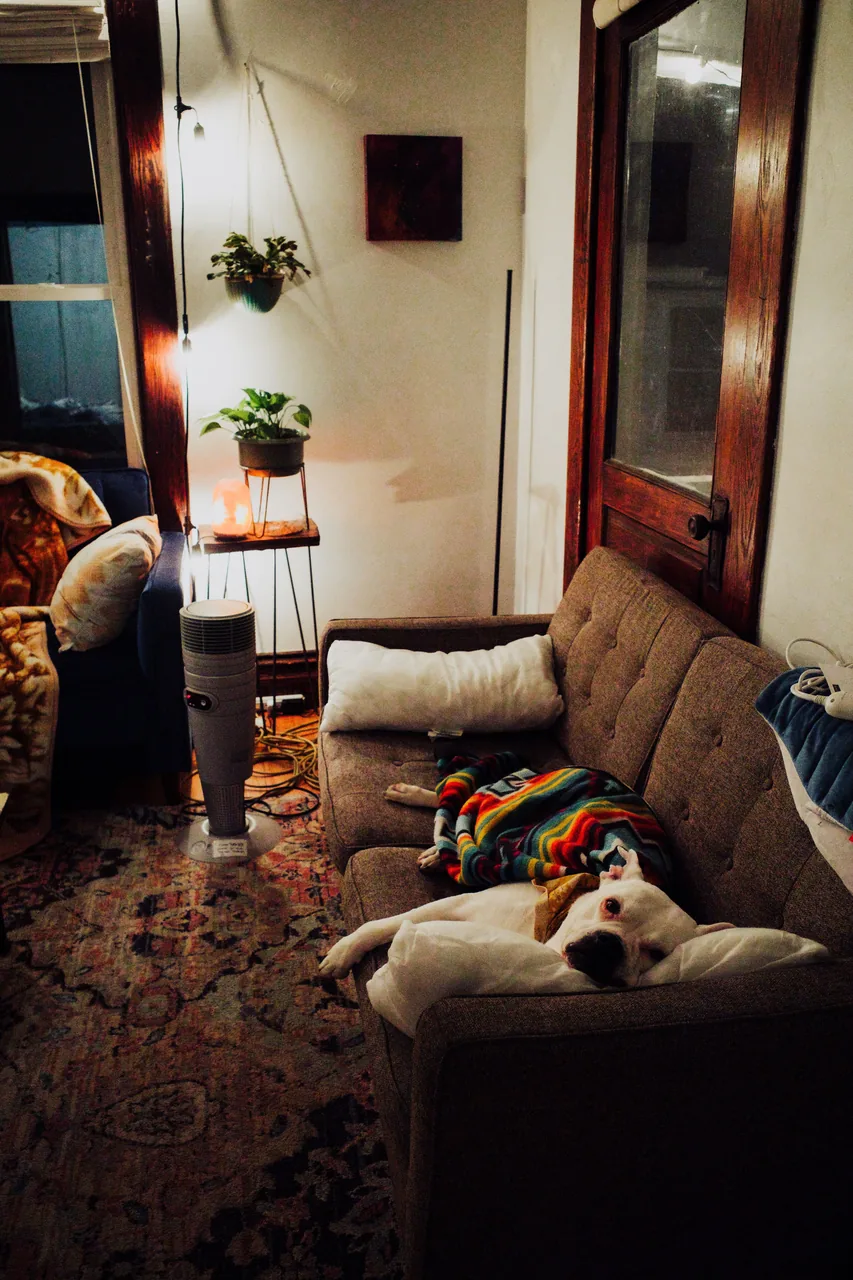
Budget for the full setup and its limits
Compare the indoor dog camera’s purchase price with the cost of a suitable memory card, mounting hardware, subscription, and eventual replacement. Also check whether the features you want are genuinely free or available only during a trial. Read the current service terms for the exact model and plan.
For a simple annual comparison, add twelve months of subscription fees to the device and accessory cost. This is a budgeting method, not a price estimate. Include electricity using the device’s stated power consumption and your local rate. Avoid paying for several advanced features when your goal is an occasional view of a resting area.
Choose a stable location beyond chewing reach. Secure cords without creating a trip hazard, keep ventilation clear, and follow the mounting instructions. View the room from the dog’s usual resting spots: a clear doorway does not help if the bed is hidden behind the couch.
When another care arrangement matters more
You may not need a new camera if you are usually present, an existing device provides the required view, or a reliable caregiver can answer the practical question. A camera also offers limited value if you cannot check it or arrange a response.
Persistent pacing, vocalizing, escape attempts, or other concerning behavior deserves professional assessment. VCA recommends video observation as part of understanding what happens during absence; footage alone does not establish a diagnosis. The ASPCA’s separation-anxiety guidance describes treatment and care arrangements that extend beyond monitoring.
Use an indoor dog camera to improve a specific observation, then act on what you learn. Clear viewing, dependable access, responsible privacy settings, and a real response plan are more valuable than features that have no role in your dog’s daily care.
Sources and editorial notes
Sources and photograph licenses checked October 12, 2026. MyPupwise prepared this independent guide with AI-assisted research and writing. No hands-on product testing or veterinarian review is claimed. Manufacturer documentation supports technical examples, not a brand ranking. Photographs are illustrative and imply no endorsement.
Ready to compare five specific indoor cameras?
Use this buying framework alongside our 2026 comparison of five dog monitoring cameras. It compares the Kasa EC70, Tapo C210, blurams A31, Tapo C100, and Tapo C200, including storage, subscriptions, and model-specific limitations. The comparison contains clearly disclosed Amazon affiliate links and is based on research, not hands-on testing.
General guidance does not replace individual veterinary or behavior assessment.